Gaming Laptops Under $2,500
16 in stock · $495 to $2,400 · Ships across Canada from Edmonton
In stock under $2,500
See all





Show all 16 under $2,500Show fewer

Closest to your budget first. Delivery and sales tax are added at checkout. Stock and prices checked 23 November 2026.
Gaming Laptops Under $2,500: the quick answer
At $2,500 a used gaming laptop usually means an RTX 4060 or RTX 4070 class graphics chip, a Core i7 H-series processor and 16GB or 32GB of RAM. It suits students, streamers and anyone who wants a laptop that handles modern games and heavy work without paying for a new one. Buying pre-owned is how this budget stretches to higher-tier hardware.
- Price range
- $495 to $2,40016 in stock
- Common processor
- Core i7-13700Hon 2 of 16
- Common graphics
- RTX 4060on 7 of 16
- Common memory
- 16GB DDR5on 6 of 16
- Common storage
- 1TB NVMe SSDon 10 of 16
Picked from today's stock
Chosen from the listings above, so they change as stock does.
Is $2,500 the right budget?
This budget sits in a comfortable spot for gaming laptops. You're past the entry-level machines that struggle with newer titles, and you're often looking at the kind of hardware that costs a lot more when bought new. If you play demanding games, edit video on the side, or want one machine for class and evenings, it's a sensible place to shop.
The trade-off is that everything here is used, so condition matters more than the spec sheet. A strong chip in a laptop with a tired battery or worn hinges isn't the same deal as the model number suggests. That's why we'd rather you ask questions and see the exact unit than buy on specs alone.
Compare all gaming laptops under $2,500
16 listings, closest to your budget first.
- MSI Vector 16 HX AI A2XWHG Core Ultra 7 255HX RTX 5070 Ti 32GB 2TB SSD 16.3" 240Hz$2,400Processor: Core Ultra 7 255HXGraphics: RTX 5070 TiMemory: 32GB DDR5Storage: 2TB NVMe SSD
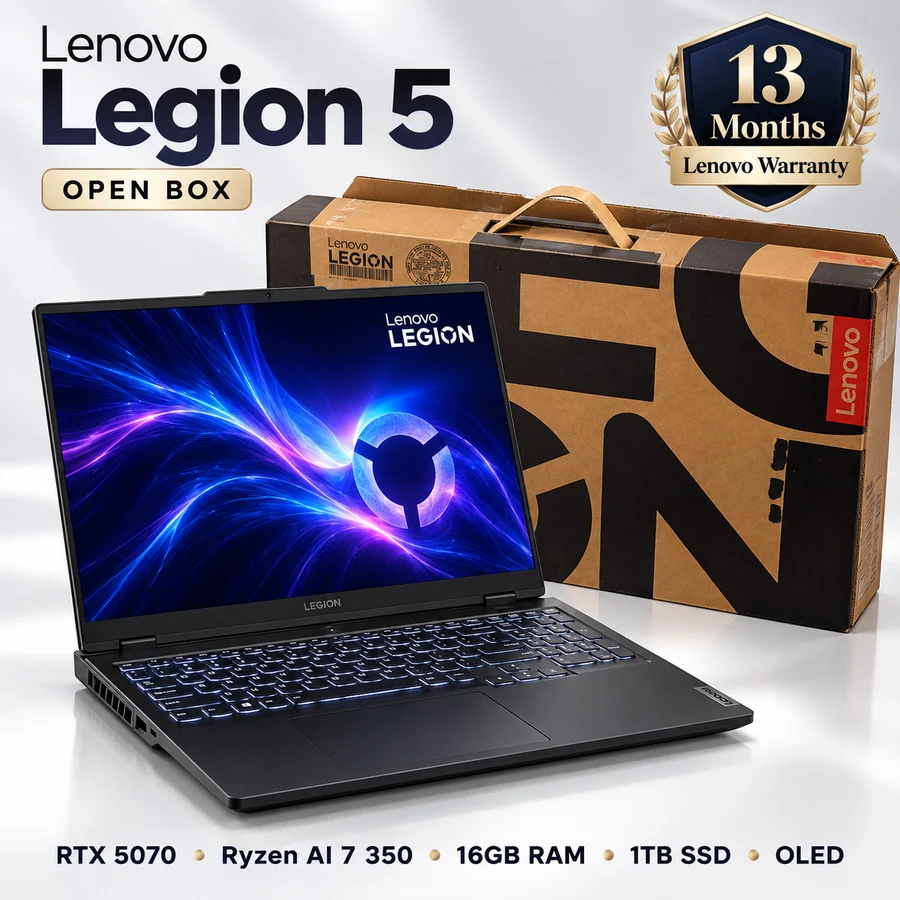
- Lenovo Legion 5 OLED Gaming Laptop – RTX 5070 | Ryzen AI 7 | 16GB RAM | 1TB SSD | Open Box$2,150Graphics: RTX 5070Memory: 16GBStorage: 1TB SSD
- Alienware x16 R1 Core i7-13700H RTX 4070 16GB 1TB SSD 16" 240Hz$1,795Processor: Core i7-13700HGraphics: RTX 4070Memory: 16GB LPDDR5Storage: 1TB NVMe SSD
- ASUS ROG Strix G814JI Core i9-13980HX RTX 4070 32GB 1TB SSD 18" 240Hz$1,700Processor: Core i9-13980HXGraphics: RTX 4070Memory: 32GB DDR5Storage: 1TB NVMe SSD
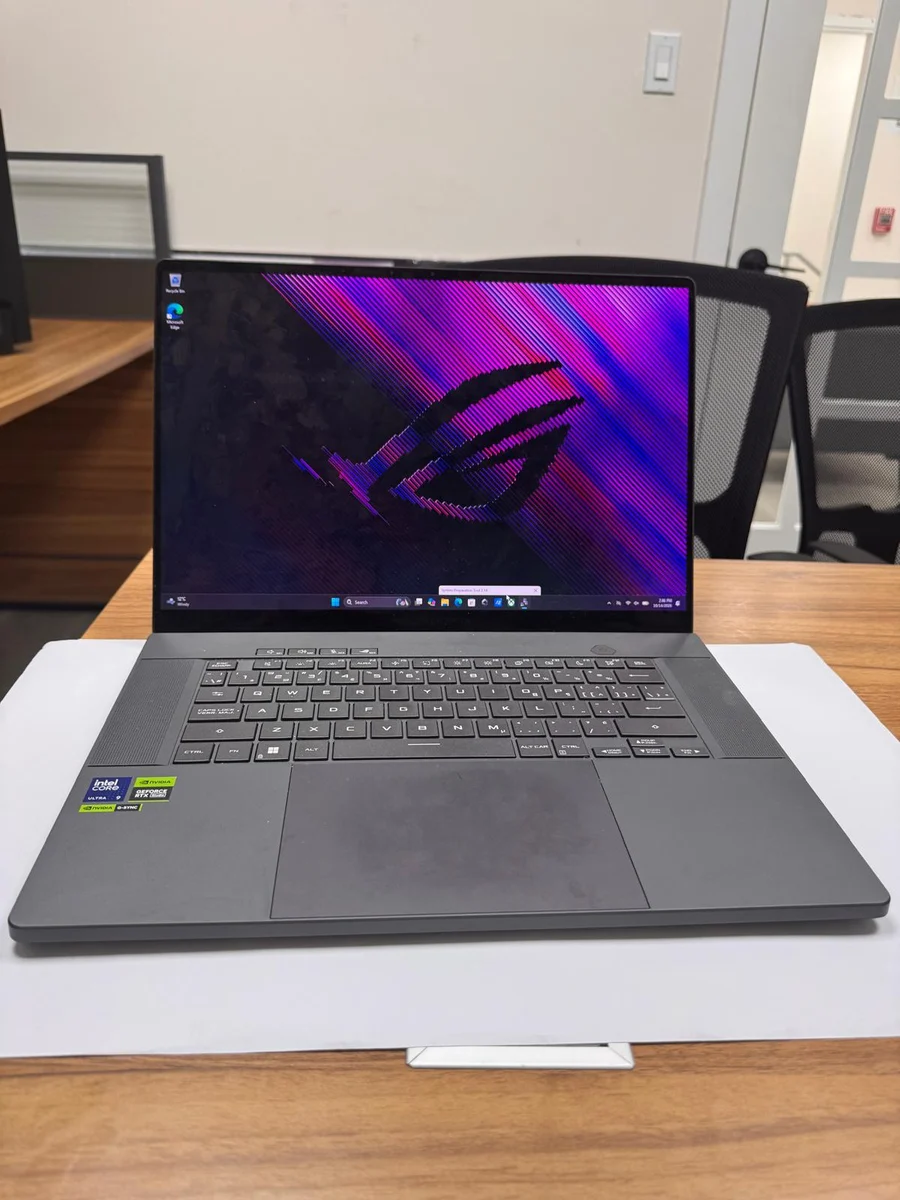
- ASUS ROG Zephyrus G16 GU605MV Core Ultra 9 185H RTX 4060 32GB 1TB SSD 16" 240Hz$1,650Processor: Core Ultra 9 185HGraphics: RTX 4060Memory: 32GB LPDDR5Storage: 1TB NVMe SSD
- Lenovo 82WM Ryzen 7 7745HX RTX 4070 32GB 1TB SSD 16" 165Hz$1,600Processor: Ryzen 7 7745HXGraphics: RTX 4070Memory: 32GB DDR5Storage: 1TB NVMe SSD
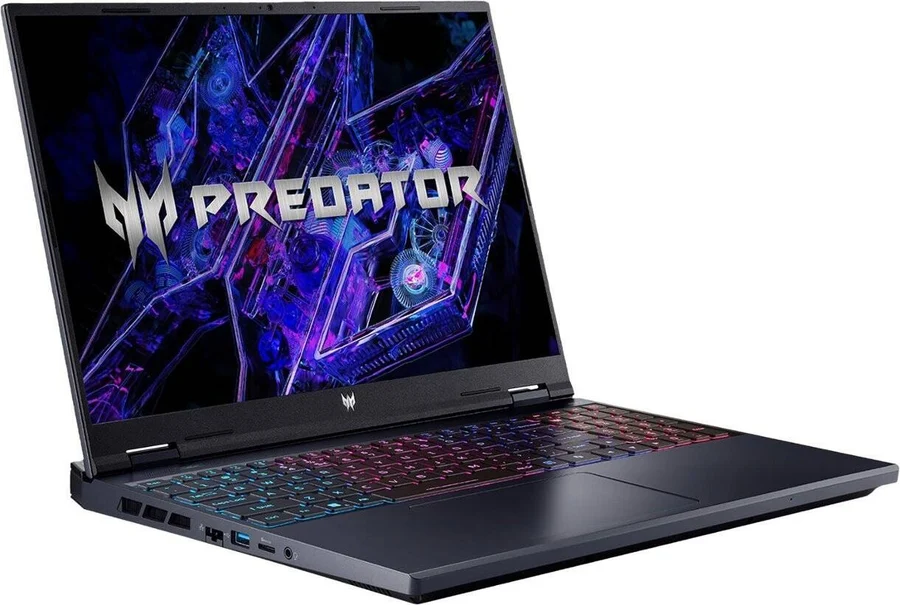
- Acer Predator PHN16-72 Core i9-14900HX RTX 4060 16GB 1TB SSD 16" 165Hz$1,600Processor: Core i9-14900HXGraphics: RTX 4060Memory: 16GB DDR5Storage: 1TB NVMe SSD
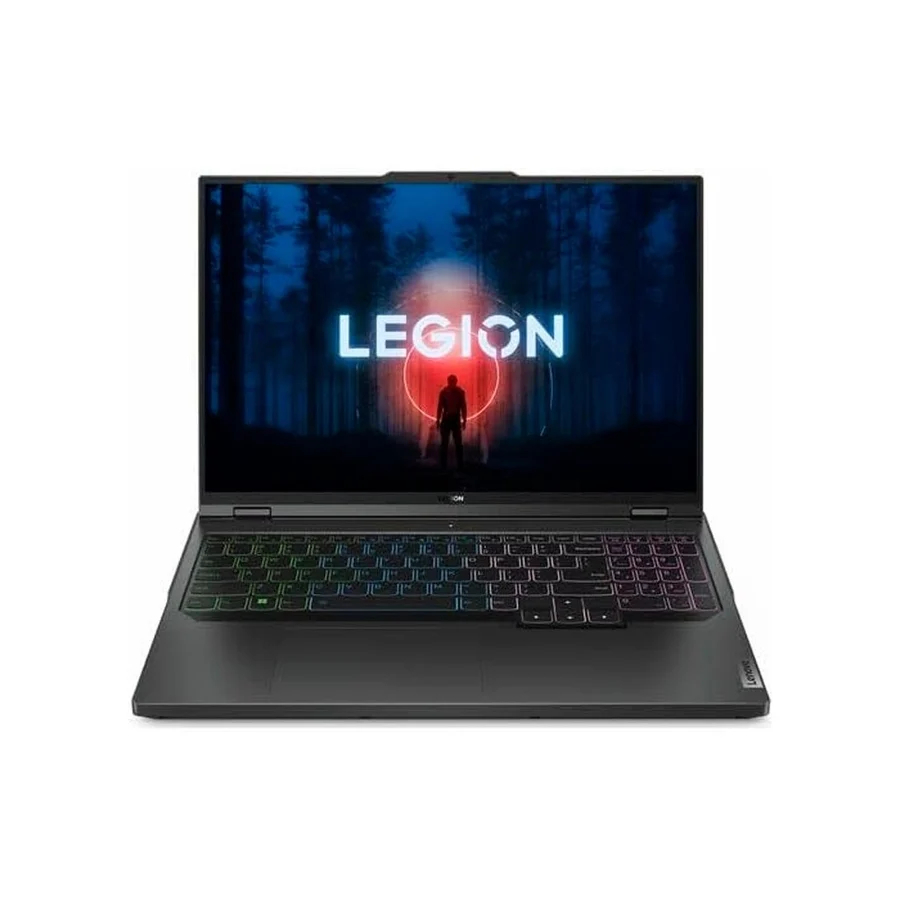
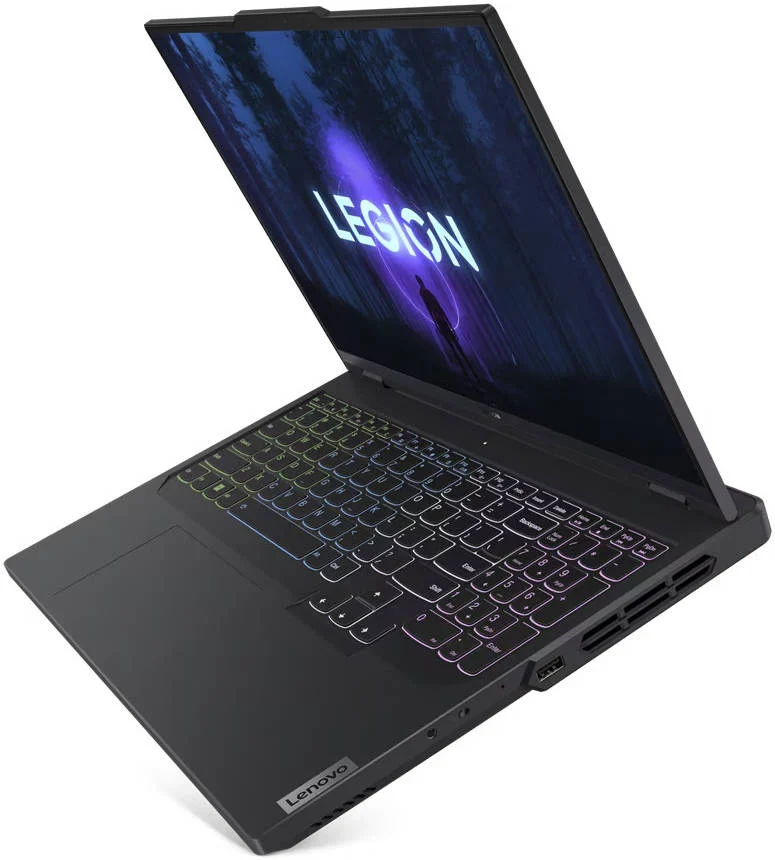
- Lenovo Legion Pro 5 16IRX8 Core i7-13700HX RTX 4070 32GB 1TB SSD 16" 240Hz$1,600Processor: Core i7-13700HXGraphics: RTX 4070Memory: 32GB DDR5Storage: 1TB NVMe SSD
- Lenovo Legion Slim 5 16IRH8 Core i7-13700H RTX 4060 32GB 512GB SSD 16" 165Hz$1,495Processor: Core i7-13700HGraphics: RTX 4060Memory: 32GB DDR5Storage: 512GB NVMe SSD
- Lenovo Legion Pro 5 16IRX9 Core i7-14650HX RTX 4060 16GB 512GB SSD 16" 165Hz$1,350Processor: Core i7-14650HXGraphics: RTX 4060Memory: 16GB DDR5Storage: 512GB NVMe SSD
- Lenovo Legion Pro 5 16IRX8 Core i7-13700HX RTX 4060 16GB 1TB SSD 16" 165Hz$1,350Processor: Core i7-13700HXGraphics: RTX 4060Memory: 16GB DDR5Storage: 1TB NVMe SSD
- ASUS ROG Strix G614JV Core i7-13650HX RTX 4060 16GB 1TB SSD 16" 165Hz$1,250Processor: Core i7-13650HXGraphics: RTX 4060Memory: 16GB DDR5Storage: 1TB NVMe SSD
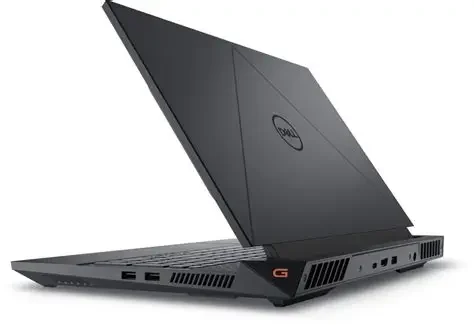
- Dell G15 5535 Ryzen 7 7840HS RTX 4060 16GB 512GB SSD 15.6" 165Hz$1,200Processor: Ryzen 7 7840HSGraphics: RTX 4060Memory: 16GB DDR5Storage: 512GB NVMe SSD
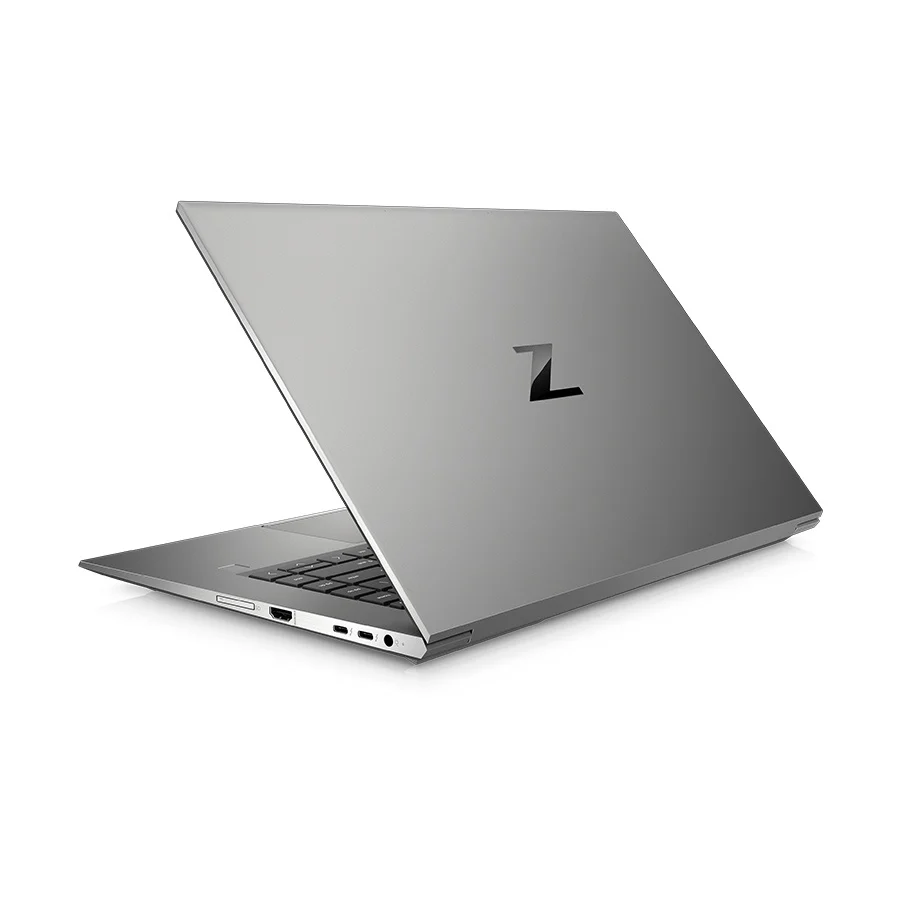
- HP ZBook Studio G8 15.6" Core i9-11950H RTX 3070 32GB 1TB SSD 60Hz$1,100Processor: Core i9-11950HGraphics: RTX 3070Memory: 32GB DDR4Storage: 1TB NVMe SSD
- Acer Nitro AN515-58 Core i7-12700H RTX 4050 16GB 1TB SSD 15.6" 144Hz$950Processor: Core i7-12700HGraphics: RTX 4050Memory: 16GB DDR5Storage: 1TB NVMe SSD
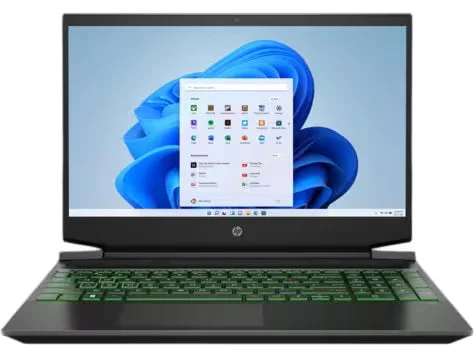
- HP Pavilion Gaming 15 Ryzen 5 5600H GTX 1650 8GB 512GB SSD 15.6" 60Hz$495Processor: Ryzen 5 5600HGraphics: GTX 1650Memory: 8GB DDR4Storage: 512GB NVMe SSD
Buying guide
What $2,500 gets you
Graphics are the headline. At this price you'll usually see RTX 4060 class cards, with RTX 4070 and sometimes RTX 5070 machines showing up too. An older GTX 1650 can also appear, but we'd treat it as a lighter option that doesn't match the price ceiling well unless the rest of the laptop is exceptional.
Processors typically come from the Core i7 H and HX families, such as the i7-12700H, i7-13700H, i7-13700HX and i7-14650HX. The HX chips are the heavier ones, and they tend to run hotter and louder. Memory is usually 16GB, with 32GB on some units, and 8GB turns up on older or lighter builds. Storage commonly runs from 512GB up to 1TB or 2TB.
Spending a bit less usually means stepping down a graphics tier, or accepting less memory and a smaller drive. Spending a bit more usually gets you a newer graphics generation, more memory, or a cleaner unit with a healthier battery. At this budget we'd take more memory and a bigger SSD over a slightly faster processor, since those are the things you feel day to day and can't easily fix later.
Specs to aim for under $2,500
- ProcessorCore i7 H or HX class, such as i7-13700H or i7-14650HX
- These chips keep up with the graphics card in this range, so the processor won't hold back newer games.
- GraphicsRTX 4060 or better
- It's the sweet spot for modern games at this price, and the RTX 4070 or RTX 5070 adds headroom if the listing fits the budget.
- Memory16GB RAM at minimum, 32GB if you edit or stream
- 8GB RAM gets tight quickly with a game, a browser and a chat app open together.
- Storage1TB SSD or larger
- Big games take a lot of space, and a 512GB drive fills up faster than most people expect.
- ScreenA fast refresh rate panel with decent brightness
- A smooth, bright display makes a bigger difference to how a game feels than a small bump in chip speed.
- Battery or BuildSolid hinges, clean vents and a battery that still holds a charge
- Gaming laptops are heavy and run hot, so wear shows up in the build before it shows up in the specs.
Who this budget suits
University students
You want one laptop for lectures, assignments and evening games. Pick 16GB RAM and a 1TB SSD, and lean toward a lighter RTX 4060 machine if you carry it to campus daily.
Competitive and everyday gamers
You care about smooth play in current titles. Aim for an RTX 4070 or RTX 5070 class laptop with a good screen, and don't pay extra for storage you can add later.
Streamers and video editors
Your machine does gaming and heavy work at once. Choose an HX processor with 32GB RAM and a 2TB SSD if the listing has it, since memory and storage matter more than a small graphics step.
Upgraders from an older laptop
If you're coming from a GTX-era machine, an RTX 4060 is already a large jump. Save money by picking 16GB RAM and 512GB or 1TB storage rather than chasing the top graphics card.
How to choose between two similar listings
When two listings look alike, compare the graphics tier first, then memory, then storage. A step up in graphics usually beats a step up in processor at this price, and 32GB RAM is worth more than a faster i7 variant if you do anything beyond games.
After that, ask for photos or a video of both units. Look at the keyboard wear, the screen edges, the ports and the vents. If the specs are close, pick the one that looks cared for, and ask us about battery condition before you pay.
Before you pay
- Confirm the exact graphics card, not just the series.
- Check that RAM is 16GB or more.
- Look at the SSD size against the games you plan to install.
- Ask for photos or a video of the exact unit.
- Check the screen, keyboard and hinges in those photos.
- Ask about battery condition and whether the charger is included.
- Look at delivery charges and tax at checkout before you pay.
Watch out for
- Buying on the graphics name alone. Two RTX 4060 laptops can differ a lot in cooling and build, so look at the whole unit.
- Settling for 8GB RAM. It's cheap to skip but annoying to live with, so favour 16GB or more.
- Ignoring the battery. Used gaming laptops often run best plugged in, so ask about its condition if you'll unplug often.
- Paying for a heavy HX chip you don't need. It adds heat and fan noise, so match the processor to what you actually do.
- Assuming delivery dates are fixed. They're estimates, so don't plan around a specific day.
Compare budgets
How many gaming laptops each budget reaches today.
- Under $1,0002in stock, from $495
- Under $1,5008in stock, from $495
- Under $2,00014in stock, from $495
- Under $2,50016in stock, from $495
Buying from Elite Tech Hub
Every item at Elite Tech Hub is pre-owned, and we say so plainly. Before you pay, you can ask for photos or a video of the exact unit, so you see the laptop you'll receive. Orders ship from Edmonton, Alberta, with Canada Post to every province and territory, and the delivery charge at checkout covers Canada Post Regular Parcel, while faster services cost extra and delivery times are estimates. GST or HST is calculated at checkout from your delivery address. If you're near us, pickup in Edmonton is possible when arranged in advance, though there are no walk-in hours.
Gaming Laptops Under $2,500: your questions
What kind of gaming laptop can I get for $2,500?
Usually an RTX 4060 or RTX 4070 class laptop with a Core i7 H-series chip and 16GB or 32GB of RAM. Some RTX 5070 machines can appear too. Exact options change, so check the live grid on this page.
Is a used gaming laptop worth it at this price?
Often yes, because used pricing lets this budget reach higher graphics tiers than buying new would. The catch is condition, so ask for photos or a video of the exact unit before it ships.
Is 16GB of RAM enough for gaming?
For most people, yes. We'd pick 32GB if you stream, edit video or keep lots of apps open while you play. We'd avoid 8GB at this budget.
How much storage do I need?
A 1TB SSD is a comfortable starting point, since modern games are large. A 512GB drive works if you only keep a few titles installed, and 2TB suits people with a big library.
Is an RTX 4060 or RTX 4070 the better choice?
The RTX 4070 is a step up and usually suited to higher settings and heavier workloads. The RTX 4060 is still a strong all-rounder, and we'd take an RTX 4060 with more memory over an RTX 4070 with 8GB RAM.
Do you ship across Canada?
Yes. Orders ship from Edmonton, Alberta, with Canada Post to every province and territory. The delivery charge at checkout covers Canada Post Regular Parcel, and delivery times are estimates.
Can I see the laptop before it ships?
You can ask for photos or a video of the exact unit before it ships. It's the best way to check screen, keyboard and body condition when you can't hold it yourself.
Can I pick up my order in Edmonton?
Yes, pickup in Edmonton is possible when arranged in advance. There are no walk-in hours, so contact us first.