Laptops Under $1,500
15 in stock · $325 to $1,495 · Ships across Canada from Edmonton
In stock under $1,500





Show all 15 under $1,500Show fewer
Closest to your budget first. Delivery and sales tax are added at checkout. Stock and prices checked 23 November 2026.
Laptops Under $1,500: the quick answer
At $1,500, a pre-owned laptop usually means a serious machine: a dedicated RTX graphics chip for gaming and 3D work, or an Apple M2 class MacBook for creative and office use. You'll typically see 16GB of memory and a 512GB or 1TB SSD. It suits students, creators and gamers who want real power without paying new-laptop prices.
- Price range
- $325 to $1,49515 in stock
- Common processor
- Core i7-12700Hon 1 of 15
- Common graphics
- RTX 4060on 5 of 15
- Common memory
- 16GB DDR5on 5 of 15
- Common storage
- 1TB NVMe SSDon 4 of 15
Picked from today's stock
Chosen from the listings above, so they change as stock does.
Is $1,500 the right budget?
This is the budget where you stop compromising on the basics. Used, $1,500 can get you a gaming laptop with an RTX 3060 or RTX 4060, or a MacBook with an Apple M2 or Apple M2 Pro chip. Buy new at the same price and you'd usually land in the middle of the pack.
The trade-off is age and wear. These are pre-owned machines, so battery condition, cosmetic marks and how hard the previous owner pushed it all matter more than they do on a cheap laptop. That's why we say check the details on the exact unit, not just the spec line.
Compare all laptops under $1,500
15 listings, closest to your budget first.
- Lenovo Legion Slim 5 16IRH8 Core i7-13700H RTX 4060 32GB 512GB SSD 16" 165Hz$1,495Processor: Core i7-13700HGraphics: RTX 4060Memory: 32GB DDR5Storage: 512GB NVMe SSD
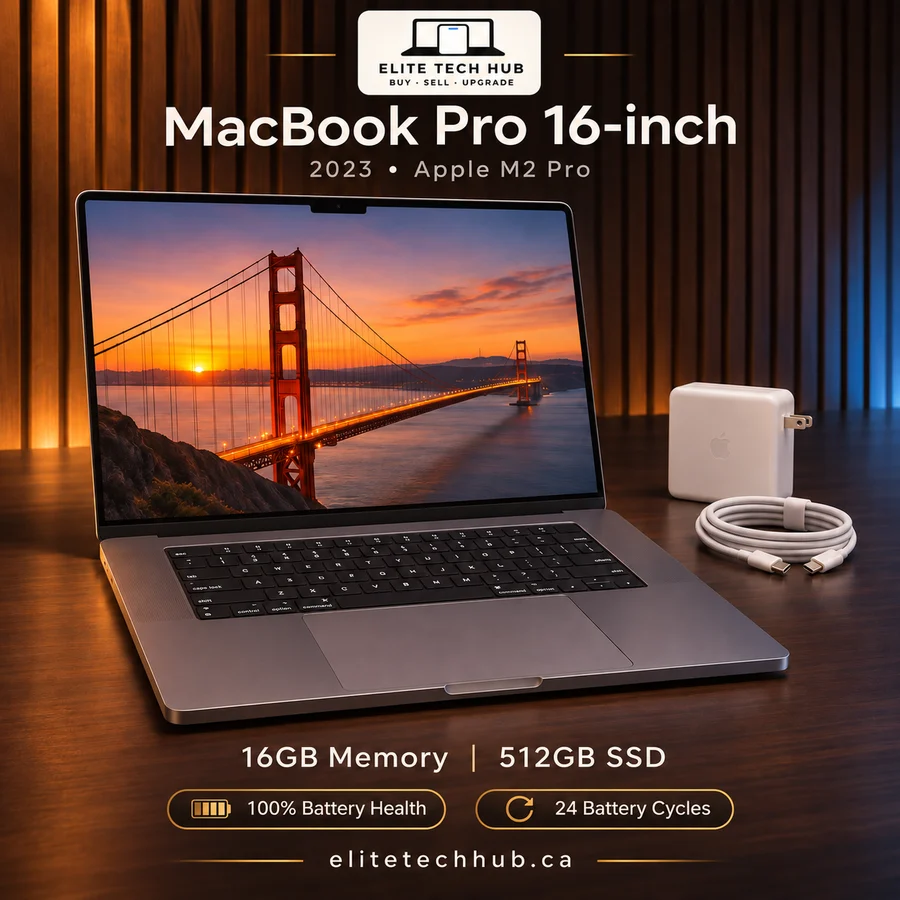
- Apple MacBook Pro 16-inch (2023) – M2 Pro | 16GB RAM | 512GB SSD | 100% Battery Health$1,495Processor: M2 ProMemory: 16GBStorage: 512GB SSD
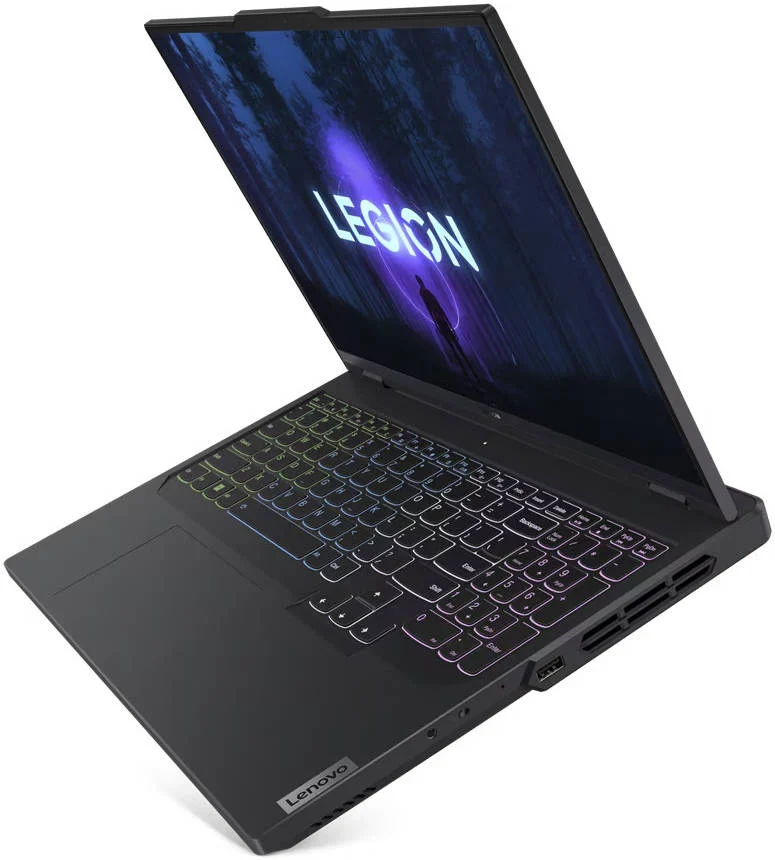
- Lenovo Legion Pro 5 16IRX9 Core i7-14650HX RTX 4060 16GB 512GB SSD 16" 165Hz$1,350Processor: Core i7-14650HXGraphics: RTX 4060Memory: 16GB DDR5Storage: 512GB NVMe SSD
- Lenovo Legion Pro 5 16IRX8 Core i7-13700HX RTX 4060 16GB 1TB SSD 16" 165Hz$1,350Processor: Core i7-13700HXGraphics: RTX 4060Memory: 16GB DDR5Storage: 1TB NVMe SSD
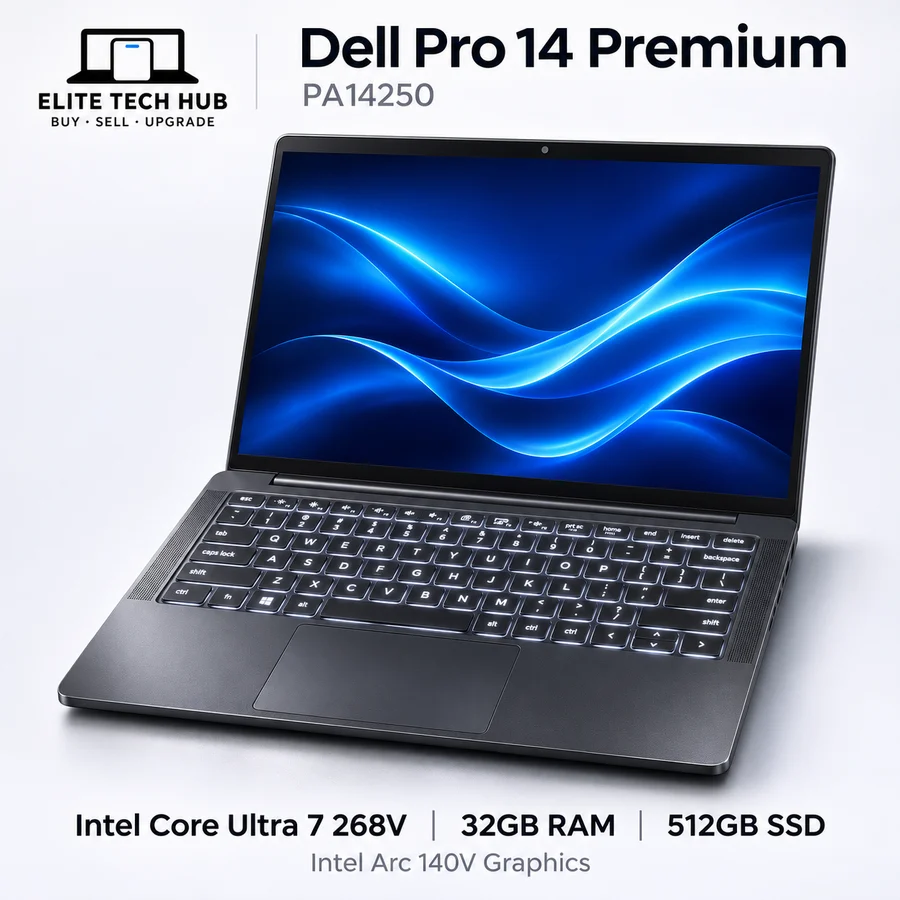
- Dell Pro 14 Premium PA14250 | Intel Core Ultra 7 268V | 32GB RAM | 512GB SSD | Backlit Keyboard$1,295Processor: Core Ultra 7 268VMemory: 32GBStorage: 512GB SSD
- ASUS ROG Strix G614JV Core i7-13650HX RTX 4060 16GB 1TB SSD 16" 165Hz$1,250Processor: Core i7-13650HXGraphics: RTX 4060Memory: 16GB DDR5Storage: 1TB NVMe SSD
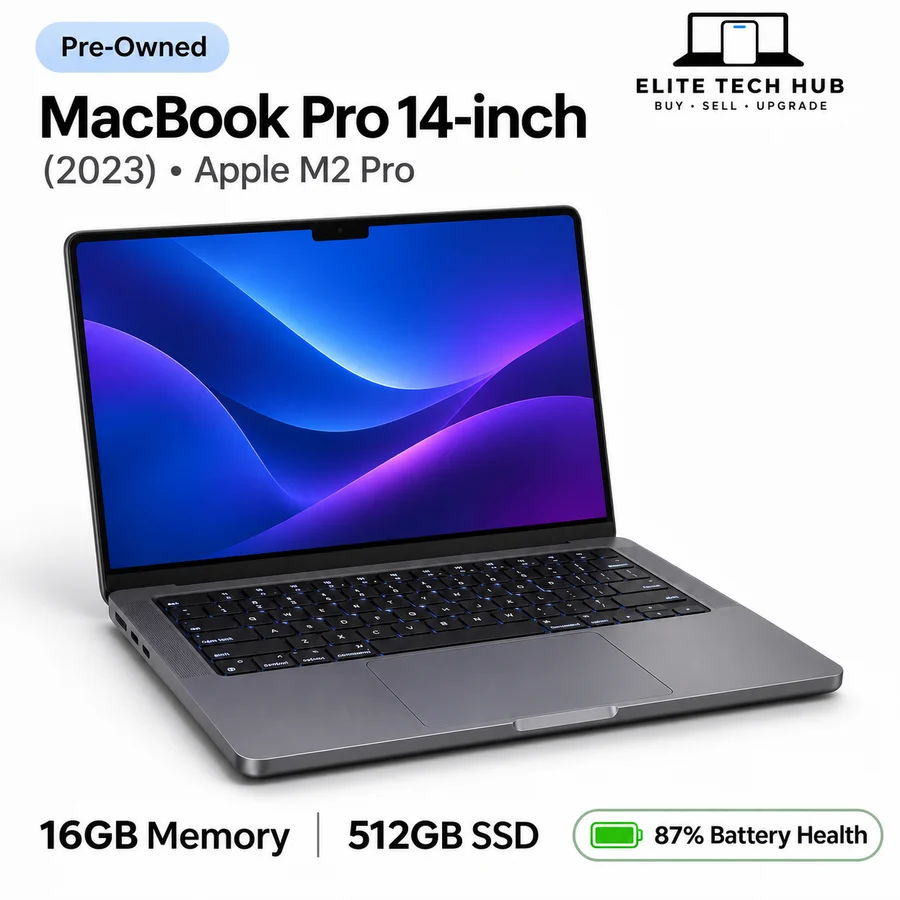
- Apple MacBook Pro 14-inch (2023) – M2 Pro | 16GB RAM | 512GB SSD$1,250Processor: M2 ProMemory: 16GBStorage: 512GB SSD
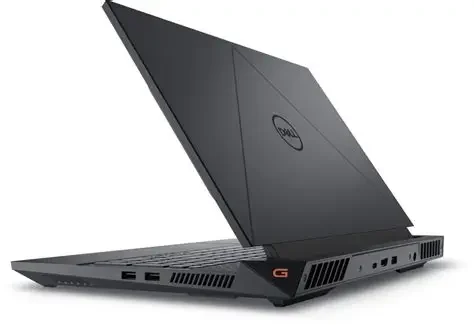
- Dell G15 5535 Ryzen 7 7840HS RTX 4060 16GB 512GB SSD 15.6" 165Hz$1,200Processor: Ryzen 7 7840HSGraphics: RTX 4060Memory: 16GB DDR5Storage: 512GB NVMe SSD
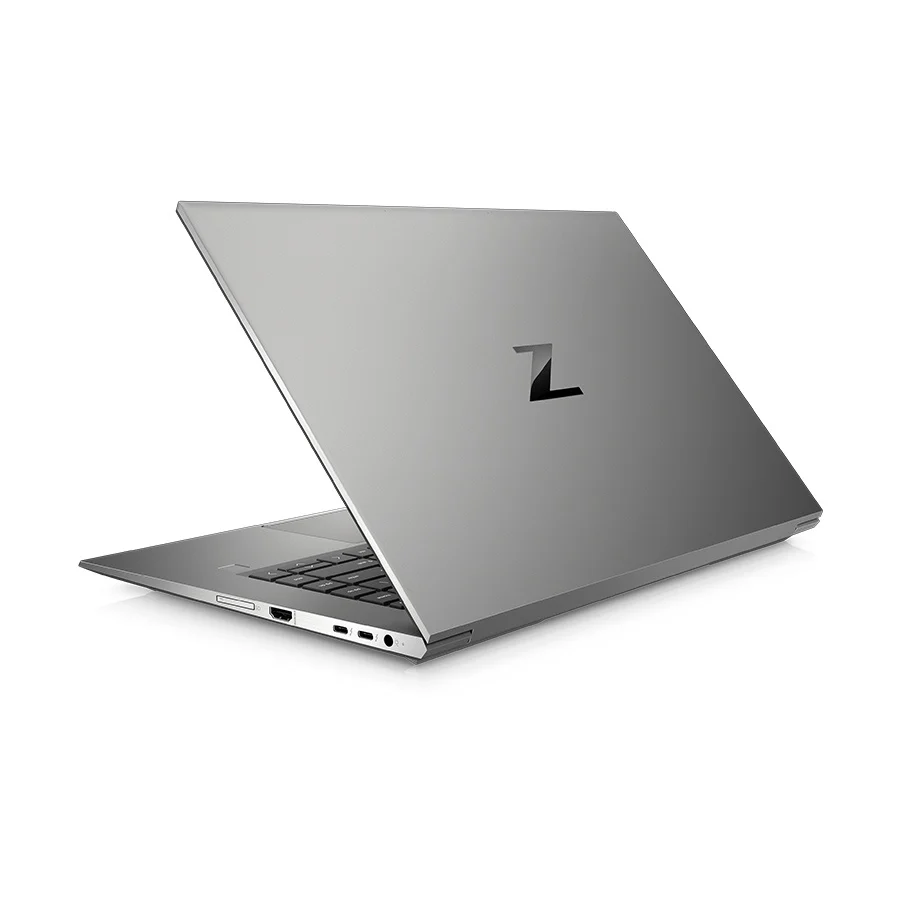
- HP ZBook Studio G8 15.6" Core i9-11950H RTX 3070 32GB 1TB SSD 60Hz$1,100Processor: Core i9-11950HGraphics: RTX 3070Memory: 32GB DDR4Storage: 1TB NVMe SSD
- Acer Nitro AN515-58 Core i7-12700H RTX 4050 16GB 1TB SSD 15.6" 144Hz$950Processor: Core i7-12700HGraphics: RTX 4050Memory: 16GB DDR5Storage: 1TB NVMe SSD
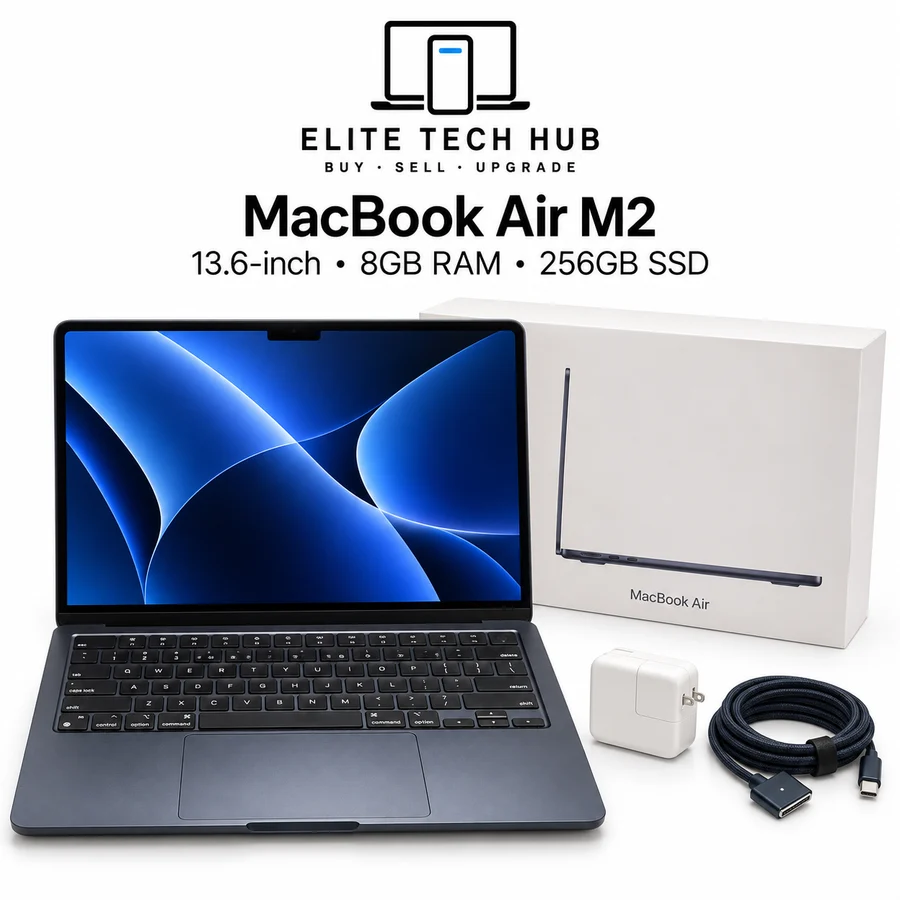
- Apple MacBook Air M2 13.6″ – 8GB RAM, 256GB SSD, Midnight – With Box & Charger$750Processor: M2Memory: 8GBStorage: 256GB SSD
- Dell Inspiron 15 3530 Core i7-1355U Iris Xe 16GB 512GB SSD 15.6" 60Hz$645Processor: Core i7-1355UGraphics: Intel Iris XeMemory: 16GB DDR4Storage: 500GB NVMe SSD
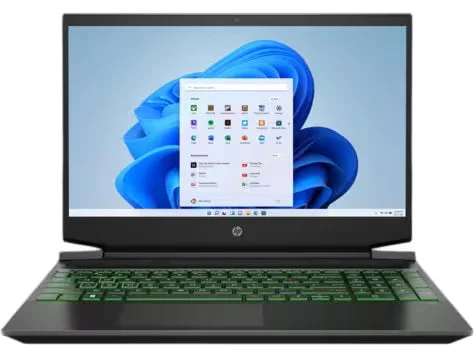
- HP Pavilion Gaming 15 Ryzen 5 5600H GTX 1650 8GB 512GB SSD 15.6" 60Hz$495Processor: Ryzen 5 5600HGraphics: GTX 1650Memory: 8GB DDR4Storage: 512GB NVMe SSD
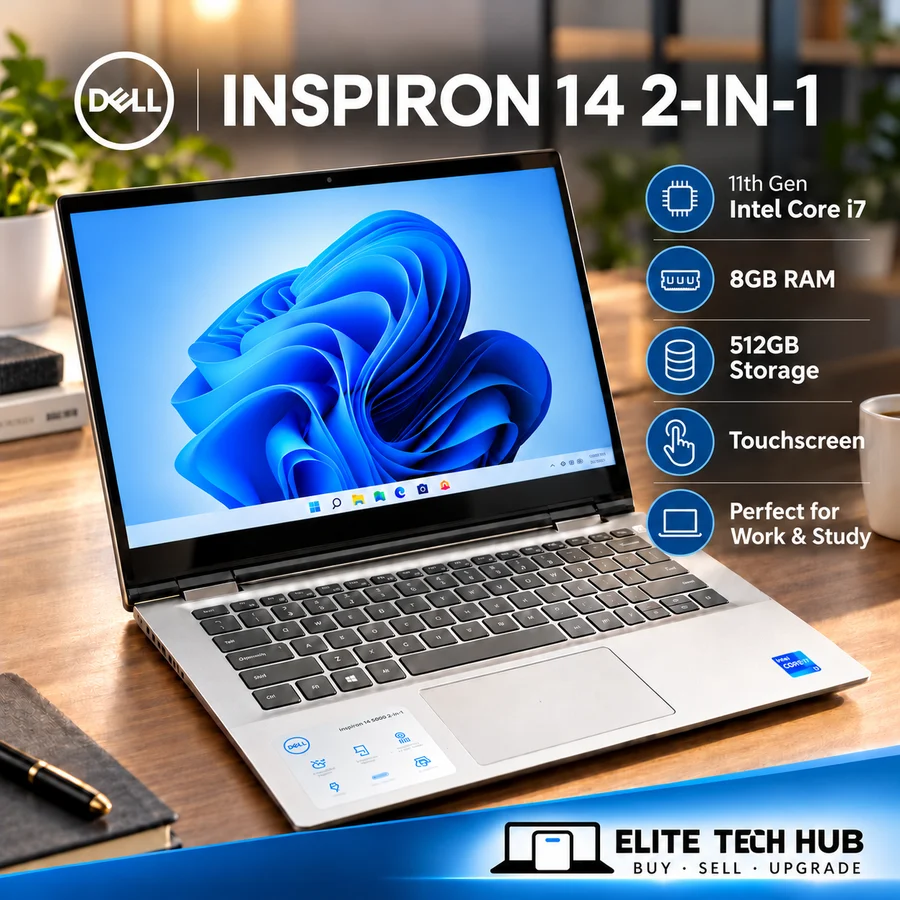
- Dell Inspiron 14 5406 2-in-1 Touchscreen Laptop | Intel Core i7 | 8GB RAM | 512GB Storage$350Processor: Core i7Memory: 8GBStorage: 512GB
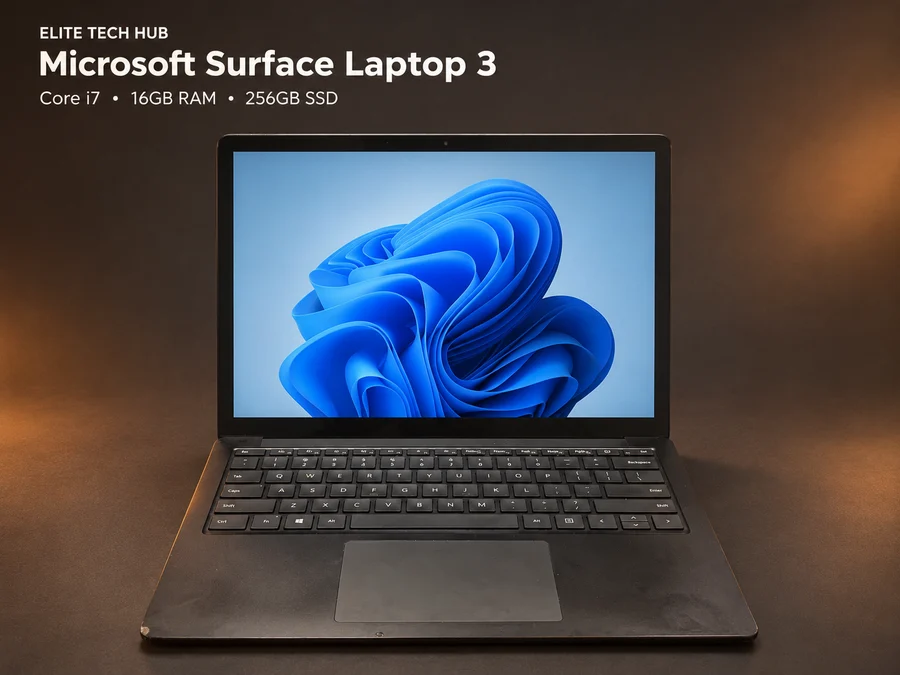
- Microsoft Surface Laptop 3 – 13.5″ Touchscreen | Core i7 | 16GB RAM | 256GB SSD | Matte Black$325Processor: Core i7Memory: 16GBStorage: 256GB SSD
Buying guide
What $1,500 gets you
Graphics is where this budget stands out. You'll usually see cards like the GTX 1650 at the entry end, then RTX 3060, RTX 4060 and sometimes RTX 3070 higher up. We'd pick an RTX 3060 or better if you plan to game or edit video. The GTX 1650 is fine for lighter graphics work, but it's the one to skip if you want the machine to last you a few years of heavier use.
On the processor side, expect a mix of Windows gaming chips like the Core i7-12700H and Core i7-14650HX, plus Apple's M2 and M2 Pro. Memory is typically 16GB RAM, with some 32GB RAM models and the odd 8GB RAM one. We'd take 16GB over a slightly faster chip any day. Storage usually runs from 256GB SSD up to 1TB SSD, and the small drives fill up quickly.
Spending a bit less usually means older graphics, less memory or a smaller drive. Spending a bit more tends to bring a newer generation chip, more RAM and a better screen. Gaming laptops at this level are often heavier and have shorter battery life away from the wall, while the Apple models tend to be lighter and last longer unplugged.
Specs to aim for under $1,500
- ProcessorCore i7-12700H or newer, or Apple M2
- These handle multitasking, editing and everyday work without feeling stretched.
- GraphicsRTX 3060 or RTX 4060 for gaming and 3D
- A GTX 1650 works for light jobs, but the RTX cards are typically suited to heavier creative and gaming work.
- Memory16GB RAM, or 32GB RAM for video and large projects
- 8GB RAM gets tight quickly with a browser, chat apps and an editor open together.
- Storage512GB SSD at least, 1TB SSD if you game
- Modern games and project files take up space fast, and 256GB SSD fills up quickly.
- ScreenFull HD or better, with a brightness you can see in daylight
- You look at it all day, and a dim or washed-out panel is hard to live with.
- Battery or BuildSolid hinges, working keys and a battery that holds a charge
- Used units vary in wear, so ask about condition rather than assuming.
Who this budget suits
Gamers
Look for an RTX 3060, RTX 4060 or RTX 3070 with 16GB RAM. Those are the cards typically suited to modern games on a laptop screen.
Video editors and designers
An Apple M2 or M2 Pro MacBook is a strong pick, or a Windows laptop with an RTX chip and 32GB RAM. Memory and storage matter more here than a small bump in chip speed.
University students
If you need to carry it daily, a lighter M2 MacBook with 16GB RAM usually makes more sense than a heavy gaming laptop. Engineering and CAD students may prefer an RTX model instead.
Remote workers and small business owners
A Core i7 or M2 machine with 16GB RAM and a 512GB SSD will handle spreadsheets, video calls and many browser tabs. You don't need a dedicated graphics card for that work, so don't pay for one.
How to choose between two similar listings
When two listings look alike, compare memory first, then storage, then graphics. A cheaper listing with 8GB RAM isn't a bargain next to one with 16GB RAM, because upgrading later isn't always possible, especially on Apple models where memory is fixed.
Then look at condition. Ask for photos or a video of the exact unit and check the screen, keyboard, ports and the corners of the case. If one listing is a generation newer with the same memory, we'd usually take that one.
Before you pay
- Check the RAM amount, especially if it says 8GB RAM.
- Confirm the storage size and that it's an SSD.
- Match the graphics chip to what you'll actually do.
- Ask for photos or a video of the exact unit.
- Look for screen marks, keyboard wear and port damage in the photos.
- Ask about battery condition if you'll work unplugged.
- Check the delivery estimate and the taxes at checkout.
Watch out for
- Paying for graphics you won't use. If you only do office work, a dedicated card adds weight and cost.
- Buying too little memory. Choose 16GB RAM over 8GB RAM where you can.
- Ignoring battery wear on a used laptop. Ask about it, especially for a gaming model you'll carry around.
- Assuming delivery times are fixed. They're estimates, and faster services cost extra.
- Skipping the photo check. Seeing the exact unit takes a minute and avoids surprises.
Compare budgets
How many laptops each budget reaches today.
- Under $8005in stock, from $325
- Under $1,50015in stock, from $325
- Under $2,00023in stock, from $325
Buying from Elite Tech Hub
Every item at Elite Tech Hub is pre-owned, and we say so plainly. Before an order ships, you can ask for photos or a video of the exact unit you're buying. We ship from Edmonton, Alberta, with Canada Post to every province and territory. The delivery charge at checkout covers Canada Post Regular Parcel, faster services cost extra, and delivery times are estimates. GST or HST is calculated at checkout from your delivery address. If you're near us, pickup in Edmonton is possible when arranged in advance, but there are no walk-in hours.
Laptops Under $1,500: your questions
What kind of laptop can I get for $1,500 used?
Usually a gaming laptop with an RTX 3060 or RTX 4060, or an Apple M2 or M2 Pro MacBook. Memory is typically 16GB RAM, sometimes more. What you see depends on what's listed on the page.
Is a pre-owned laptop at this price a good idea?
It can be, because the money goes into the chip and graphics rather than a new-product premium. The catch is wear, so check the condition and ask for photos or a video of the exact unit.
Is an RTX 4060 laptop worth it?
For gaming and creative work it's typically a strong choice at this budget. For email, documents and browsing, you won't use it, and a cheaper machine will do the job.
Should I choose a MacBook or a Windows gaming laptop?
Pick a MacBook with an Apple M2 chip if you want light weight, quiet running and good battery life. Pick a Windows laptop with an RTX card if you game or use software that needs a dedicated graphics chip.
How much RAM do I need?
We'd say 16GB RAM for most people. Go for 32GB RAM if you edit video, run virtual machines or keep lots of heavy apps open. 8GB RAM is a compromise you'll likely feel.
How much storage is enough?
A 512GB SSD suits most people, and a 1TB SSD is better for gamers and anyone with big media files. A 256GB SSD fills up fast.
Can I see the exact laptop before it ships?
Yes. You can ask for photos or a video of the exact unit before it ships, so you can check the screen, keyboard and case.
Do you ship across Canada and charge tax?
We ship from Edmonton, Alberta, with Canada Post to every province and territory. GST or HST is calculated at checkout from your delivery address.