MacBooks Under $2,500
6 in stock · $750 to $2,500 · Ships across Canada from Edmonton
In stock under $2,500
See all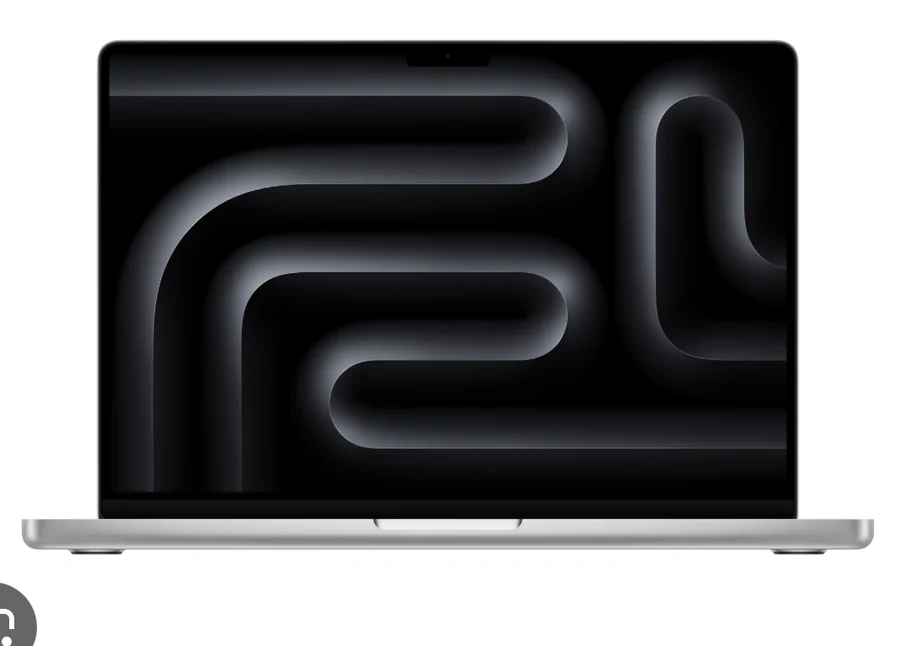
Closest to your budget first. Delivery and sales tax are added at checkout. Stock and prices checked 23 November 2026.
MacBooks Under $2,500: the quick answer
At $2,500 you're usually looking at used MacBooks with an Apple M2, M2 Pro or even an Apple M4 Pro chip, with 16GB RAM or more on many of them. It suits students, designers, editors and developers who want a serious machine without paying for new. Expect some cosmetic wear, since everything here is pre-owned.
- Price range
- $750 to $2,5006 in stock
Picked from today's stock
Chosen from the listings above, so they change as stock does.
Is $2,500 the right budget?
This budget is where used MacBooks get interesting. You're past the entry-level models and into Pro territory, which means stronger chips, more memory and better sustained speed for real work. If you edit video, write code, work with big photo libraries or just want a laptop you won't outgrow quickly, this is a sensible place to shop.
The trade-off is condition. Every MacBook we sell is pre-owned, so you may see light scratches, a worn corner or some keyboard shine. That's normal, and it's why we let you ask for photos or a video of the exact unit before it ships.
Compare all MacBooks under $2,500
6 listings, closest to your budget first.
- Apple MacBook Pro 14-inch M4 Pro 24GB RAM$2,500Processor: M4 ProMemory: 24GB
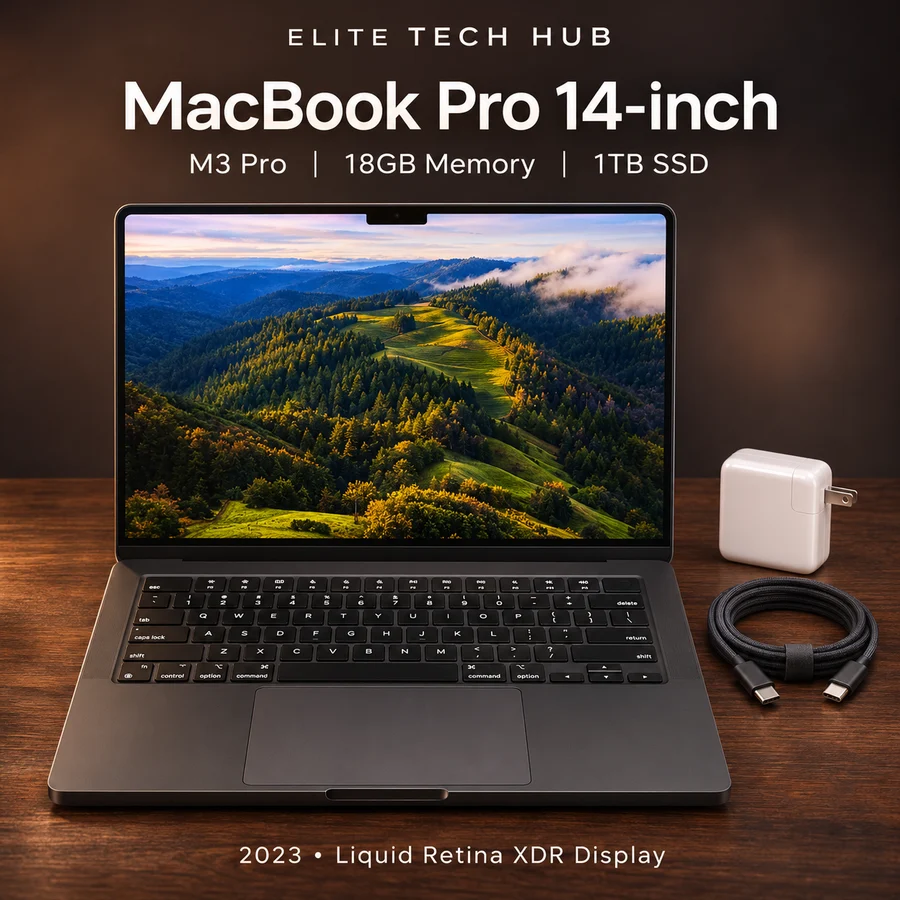
- Apple MacBook Pro 14-inch (2023) – M3 Pro, 18GB RAM, 1TB SSD – Space Black$1,750Processor: M3 ProMemory: 18GBStorage: 1TB SSD
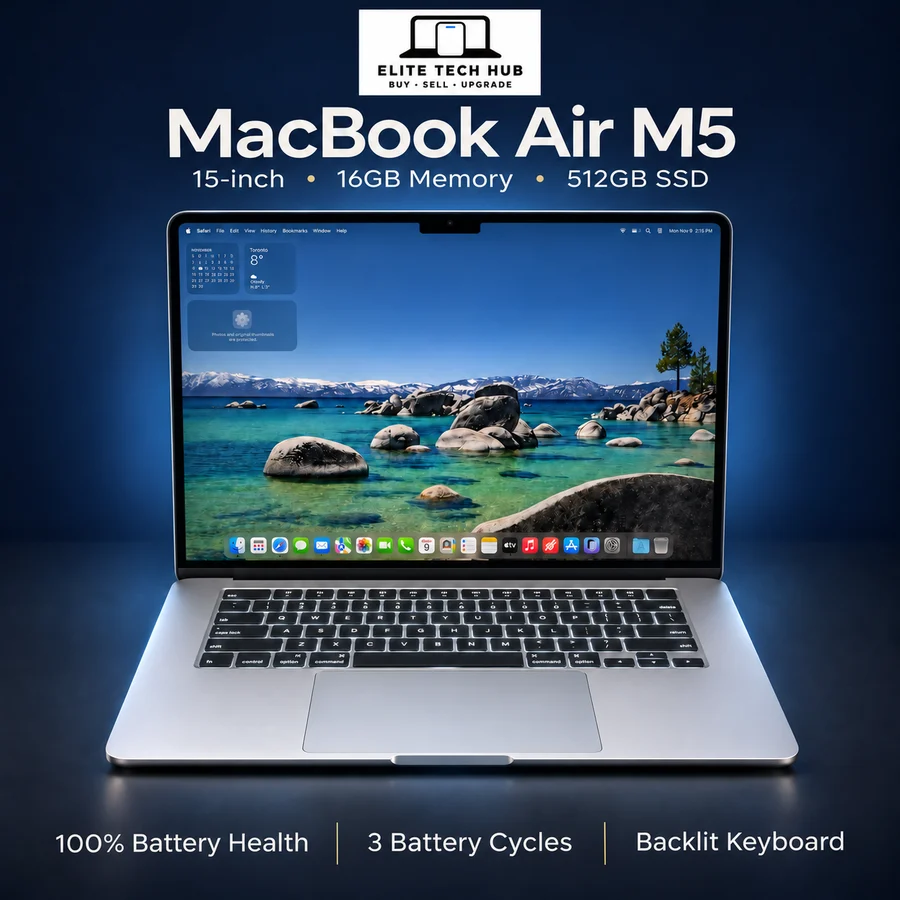
- Apple MacBook Air 15-inch M5 | 16GB RAM | 512GB SSD | 100% Battery Health$1,695Processor: M5Memory: 16GBStorage: 512GB SSD
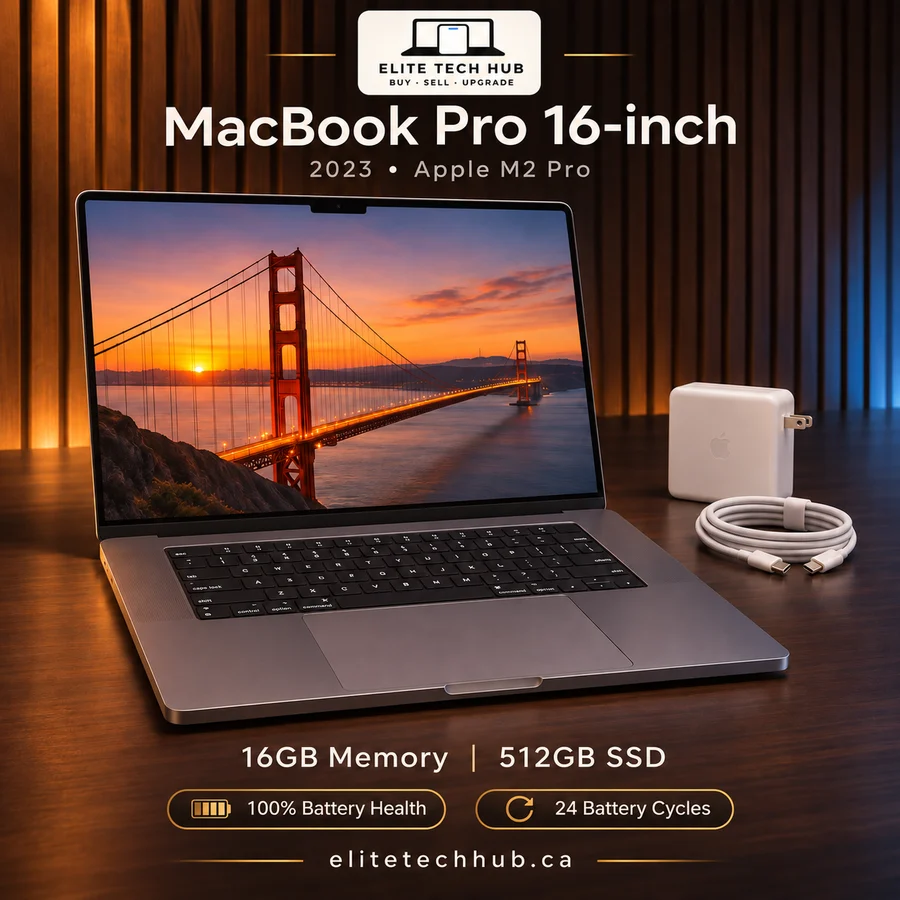
- Apple MacBook Pro 16-inch (2023) – M2 Pro | 16GB RAM | 512GB SSD | 100% Battery Health$1,495Processor: M2 ProMemory: 16GBStorage: 512GB SSD
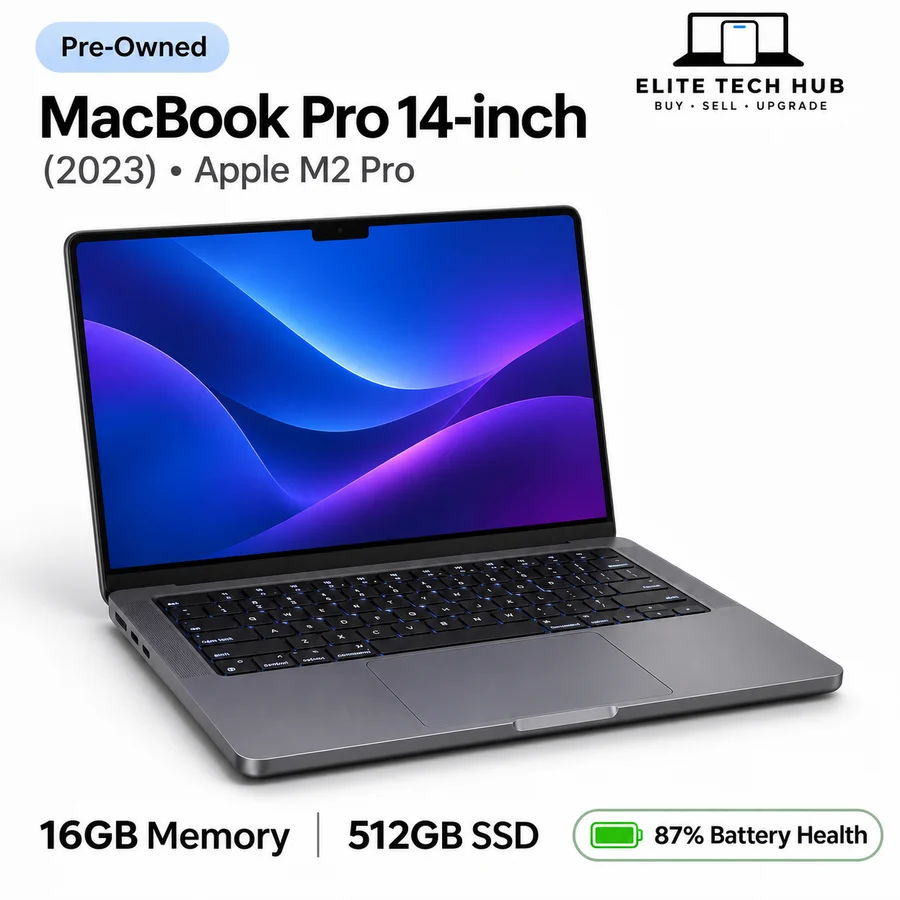
- Apple MacBook Pro 14-inch (2023) – M2 Pro | 16GB RAM | 512GB SSD$1,250Processor: M2 ProMemory: 16GBStorage: 512GB SSD
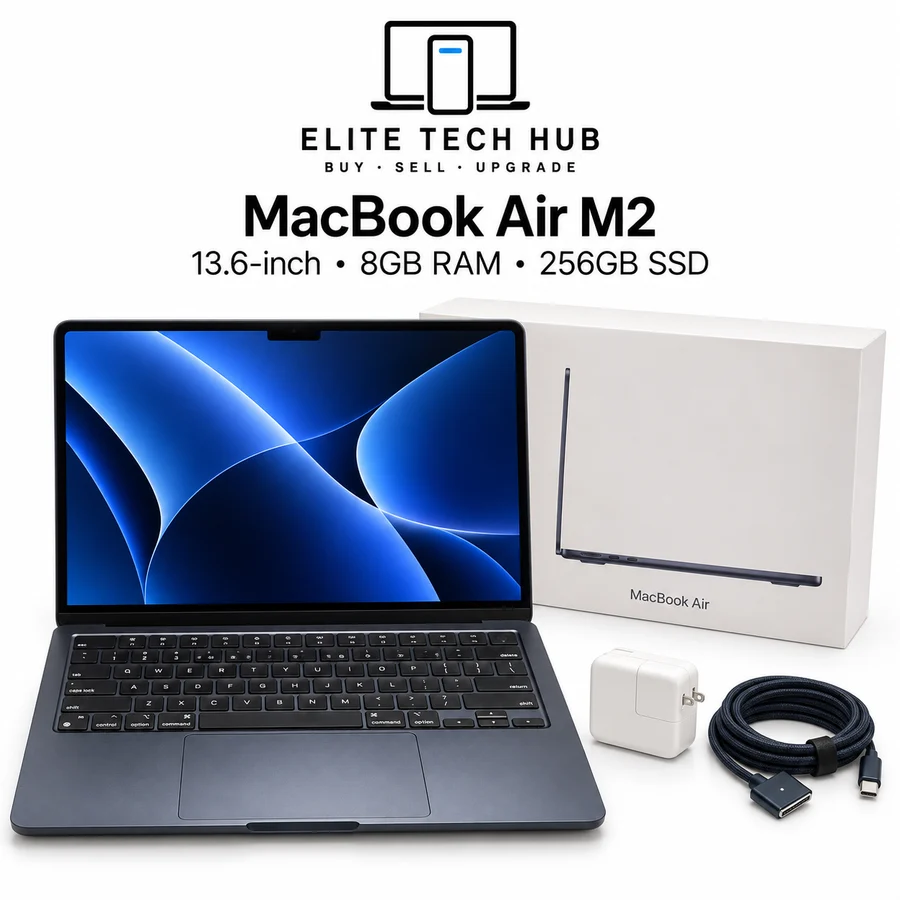
- Apple MacBook Air M2 13.6″ – 8GB RAM, 256GB SSD, Midnight – With Box & Charger$750Processor: M2Memory: 8GBStorage: 256GB SSD
Buying guide
What $2,500 gets you
At this price you'll usually see Apple M2, Apple M2 Pro and Apple M4 Pro chips. The M2 is a capable everyday processor for browsing, documents, light photo work and class projects. The M2 Pro adds more cores and stronger graphics, which helps with video timelines, large code builds and heavier creative apps. An Apple M4 Pro is a newer generation again, and it's the kind of chip that turns up when a buyer's budget stretches toward the top of this range.
Memory typically runs from 8GB RAM up to 24GB RAM, and storage is usually 256GB SSD or 512GB SSD. We'd take more memory over a slightly faster chip here. Apple's memory is part of the chip package, so you can't add more later, and 8GB RAM gets tight once you keep many browser tabs and a few apps open together. Storage is the same story, since a 256GB SSD fills up quickly with projects and system updates.
Spending a bit less usually means a base M2 with 8GB RAM and a smaller drive, which is fine for light work but limiting for anything creative. Spending a bit more usually gets you a newer chip generation, more memory or a roomier drive, and those upgrades help most if you plan to keep the laptop for years. Because these are used, you're also saving a fair amount against buying the same class of machine new.
Specs to aim for under $2,500
- ProcessorAim for an Apple M2 Pro or an Apple M4 Pro if you can.
- Pro chips usually handle video and code work better than the base M2.
- MemoryAim for 16GB RAM as a sensible floor.
- We'd take 16GB RAM over a faster chip paired with 8GB RAM.
- StorageTreat 512GB SSD as the comfortable choice.
- A 256GB SSD fills fast with photos, projects and macOS updates.
- ScreenPick the screen size that suits your bag and desk.
- Size changes weight and carry comfort more than most spec differences.
- BuildCheck the photos for dents, scratches and keyboard wear.
- Cosmetic wear is normal on used laptops, so ask for a video of the unit.
Who this budget suits
University students
An M2 with 16GB RAM covers essays, research, coding classes and a lot of browser tabs without fuss. Pick a 512GB SSD if you keep media files on the laptop.
Video editors and photographers
Look for an M2 Pro or M4 Pro with 24GB RAM or at least 16GB RAM. Timelines and large catalogues lean on memory and storage, so don't settle for a small drive.
Developers
Compiling, running containers and keeping several tools open all reward memory. An M2 Pro with 16GB RAM or more is a comfortable daily machine.
Small business owners and remote workers
You want something quiet, reliable and good on the move. An M2 with 16GB RAM and a 512GB SSD does video calls, spreadsheets and admin all day.
How to choose between two similar listings
When two listings look close, compare memory first, then the chip, then storage. A 16GB RAM model with an M2 Pro usually beats an 8GB RAM model with a similar chip for anything beyond light use. If both have the same chip and memory, take the larger SSD, because that's the one thing you can't easily fix later without an external drive.
Then look at condition. Read the description, study the photos and ask us for a video of the exact unit if something isn't clear. A clean unit with slightly less storage can be a better buy than a scuffed one with a bigger drive, depending on how you'll use it.
Before you pay
- Confirm the chip name matches what you need.
- Check the memory amount, since it can't be upgraded.
- Compare storage size against your real files.
- Look closely at every photo for dents and scratches.
- Ask for photos or a video of the exact unit.
- Check the delivery address for tax at checkout.
- Read the full listing description before you pay.
Watch out for
- Buying 8GB RAM to save money, then running out of memory. Choose 16GB RAM if your work involves many apps.
- Choosing a fast chip with a tiny drive. Compare storage before you commit.
- Ignoring condition notes. Ask for photos or a video if anything is unclear.
- Forgetting that delivery times are estimates. Plan ahead if you need the laptop for a deadline.
- Assuming the price at checkout is final. GST or HST is calculated from your delivery address.
Buying from Elite Tech Hub
Every item at Elite Tech Hub is pre-owned, and we say so plainly. Orders ship from Edmonton, Alberta, with Canada Post to every province and territory. The delivery charge at checkout covers Canada Post Regular Parcel, faster services cost extra, and delivery times are estimates. You can ask for photos or a video of the exact unit before it ships, and GST or HST is calculated at checkout from your delivery address. If you're in Edmonton, pickup is possible when arranged in advance, though there are no walk-in hours.
MacBooks Under $2,500: your questions
What MacBook can I get for $2,500?
You'll usually see used models with an Apple M2, Apple M2 Pro or Apple M4 Pro chip. Memory typically ranges from 8GB RAM to 24GB RAM, and storage from 256GB SSD to 512GB SSD.
Is a used MacBook worth buying at this price?
For most people, yes. You usually get a higher tier of chip and more memory than a new machine at the same budget would offer. The trade-off is some cosmetic wear, which is why photos or a video of the exact unit help.
Is 8GB RAM enough on a MacBook?
It's fine for browsing, documents and light study. We'd still steer most buyers at this budget toward 16GB RAM, because memory can't be upgraded later.
Should I choose an M2 Pro or an M4 Pro?
An M4 Pro is a newer generation and usually the stronger choice if the listing fits your budget. An M2 Pro with plenty of memory is still a very capable machine for editing and development.
Is 256GB SSD enough?
It works if you keep files in the cloud or on an external drive. If you store photos, video or large projects locally, a 512GB SSD is far more comfortable.
Can I see the exact MacBook before it ships?
Yes. You can ask us for photos or a video of the exact unit before it ships, which is the easiest way to check condition.
How does shipping work across Canada?
Orders ship from Edmonton, Alberta, with Canada Post to every province and territory. The delivery charge at checkout covers Regular Parcel, faster services cost extra, and delivery times are estimates.
Can I pick up my MacBook in Edmonton?
Yes, pickup in Edmonton is possible when it's arranged in advance. There are no walk-in hours, so contact us first.